We changed our mail delivery service for notification emails a few months ago. But, when you send an email from a booking for a quote, we still use the previous service. Now we want to replace that too.
The new service has a better delivery rate, so we expect fewer spam reports for our emails. Here, we need you to complete a verification process, which is a one-time action, and the process will be straightforward.
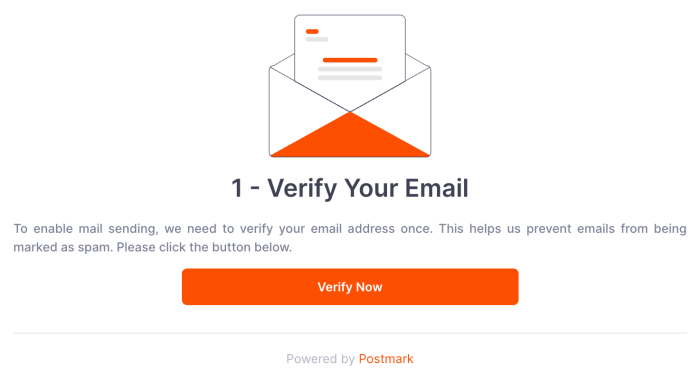
1- When you want to send an email, you will see a screen like below. Just click on the "Verify now" button, and then it will send an email to your login email address.
Click on the "Verify Now" button
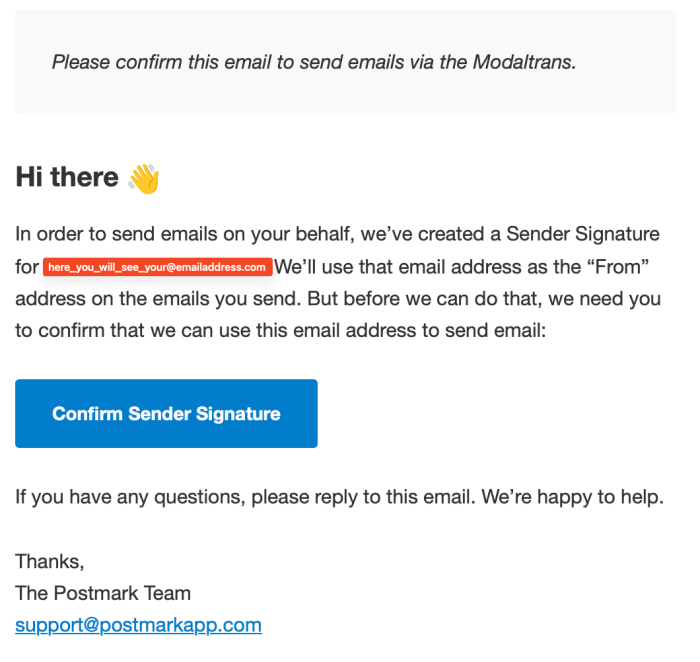
2- Then open your inbox, and you will see the email from support@postmark.com. It should be like the one below; here, you will click on the "Confirm Sender Signature" button.
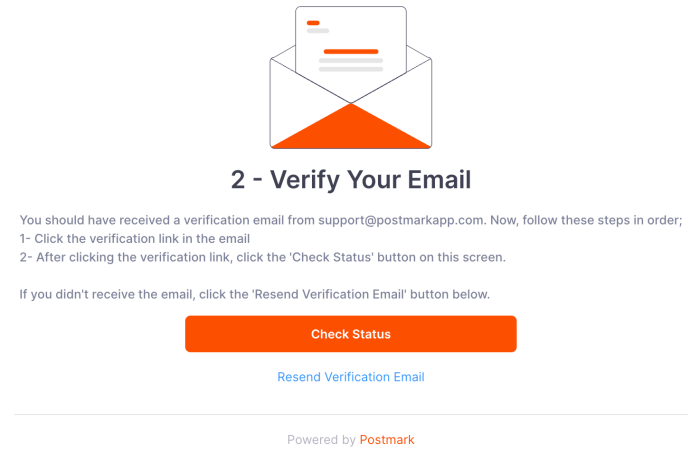
3- Then switch to the modaltrans page again and click the "Check Status" button. If everything is ok, then you can send your emails.
Click on the "Check Status" button
Again, this is a one-time action; once you complete this process, you can continue sending emails from modaltrans.
Best regards.
Allow Cookies
This website uses cookies to remember you, improve your browsing experience, and gather analytics. For details, see our
Cookie Policy.